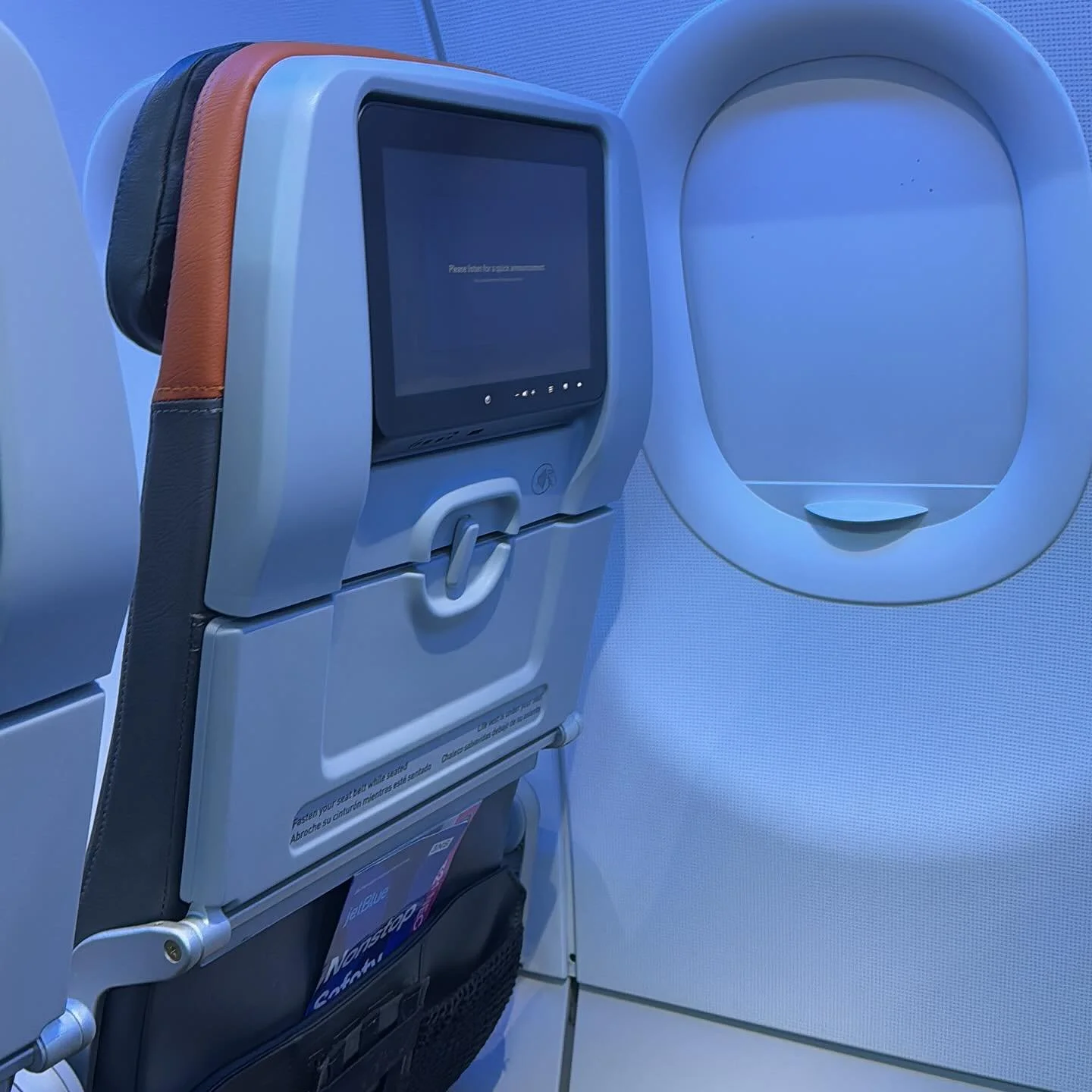
Blogging from iPad Take 4

I'm in Vegas this week. I wanted again to try to blog from the iPad. I saw there was an update to an app called BloggPress. This app now supports SquareSpace. Hope it works.
- Posted using BlogPress from my iPad
Location:Unnamed Rd,Las Vegas,United States
Report Ninja is Born

Mark today as an important day in history as on this day. ReportNinja was born.
twitter.com/ReportNinja
Blogging from the iPad with Squarespace : Take 4
Blogging From Ipad take 3
Still having to blog from the squarespace iPhone app. Still no viable app on the iPad for blogging. I tried the Squarespace interface through Safari and still can't get my cursor into the body. Come on Squarespace iPad app, let's go!!!!
Blogging from iPad : Take 2
Just tried to blog again from the iPad. Using Safari and the native SquareSpace interface. Still no luck. All I get when I type in the body of the blog post is blank text.
I am using the iPhone app on the iPad. Doesn't look great and the keyboard is tiny.
Hopefully Squarespace will release an iPad app soon.
MIFI: USB charging and WIFI Access Point at The Same Time
One of the best devices in my gadget bad is my MIFI. This little card gets me online anywhere. However there are a few drawbacks.
1. You can't really tell how much battery is left on the unit.
2. If you charge it via the USB connection on your PC or MAC you can no longer use it as a WIFI access point.
I think i solved the second one.
- When connected to the MiFi over WiFi navigate the the Admin Panel. In your web browser go to 192.168.1.1
- Log in
- Navigate to the Advanced Tab
- Download the configuration File
- Create a copy of the file (Backupis always good although we are only making a single change)
- Open the configuration file in a text editor like NotePad or TextEdit
- Find the setting routeroverusb
- By default this is set to a value of 0. Change the value from 0 to 1
- Save the file
- Upload the file to the MiFi via the Advanced Tab
- Restart the MIFI

09-2-2010